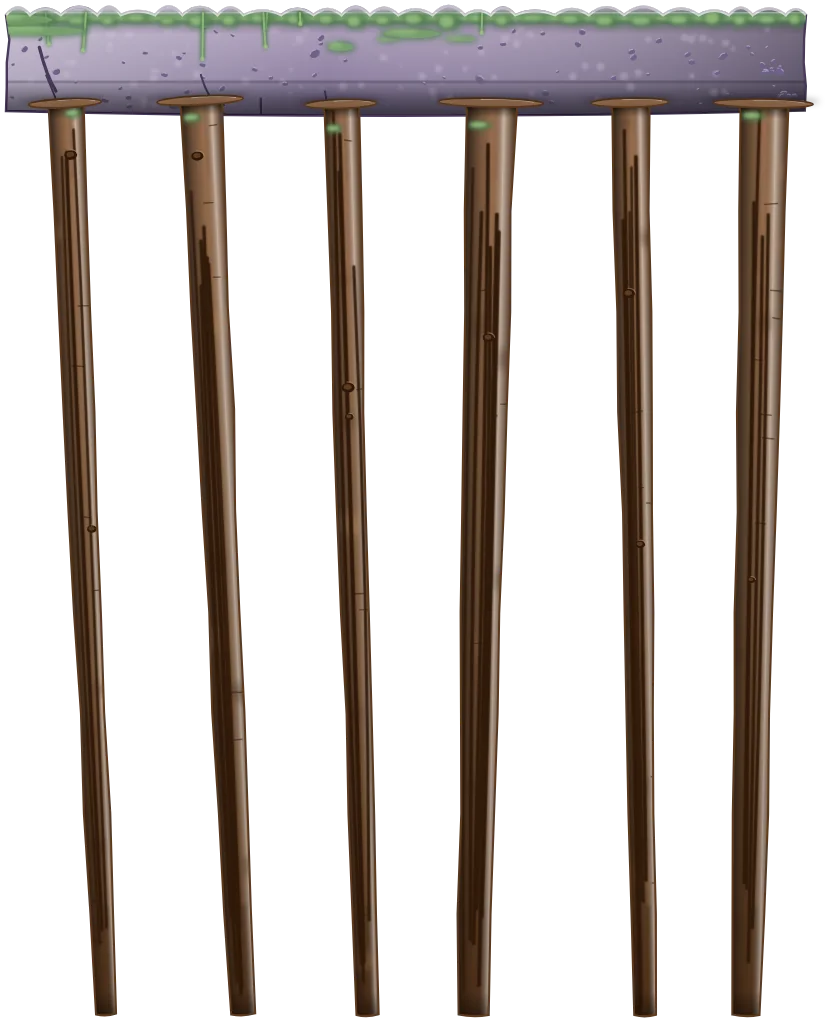







Green Meadows
Grade 1 · 50 levels
Addition and subtraction within 20, place value, comparing numbers.
CCSS 1.OACCSS 1.NBT
A math platformer for kids in grades 1–3, on iPhone, iPad, and Android. Real classroom math, from addition to times tables to fractions, built into levels worth playing.
No ads. No creepy data collection.
 Free to download · the first 10 levels of every world are free
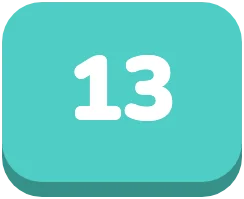
In MathQuest, your child's hero answers the gate's question, 7 plus 6, by jumping onto the block labeled 13; the blocks burst into sparkles, a star pops, and the answer appears above the gate.
No worksheets wearing a game costume. A gate asks a real question, and the answer is standing in the level.
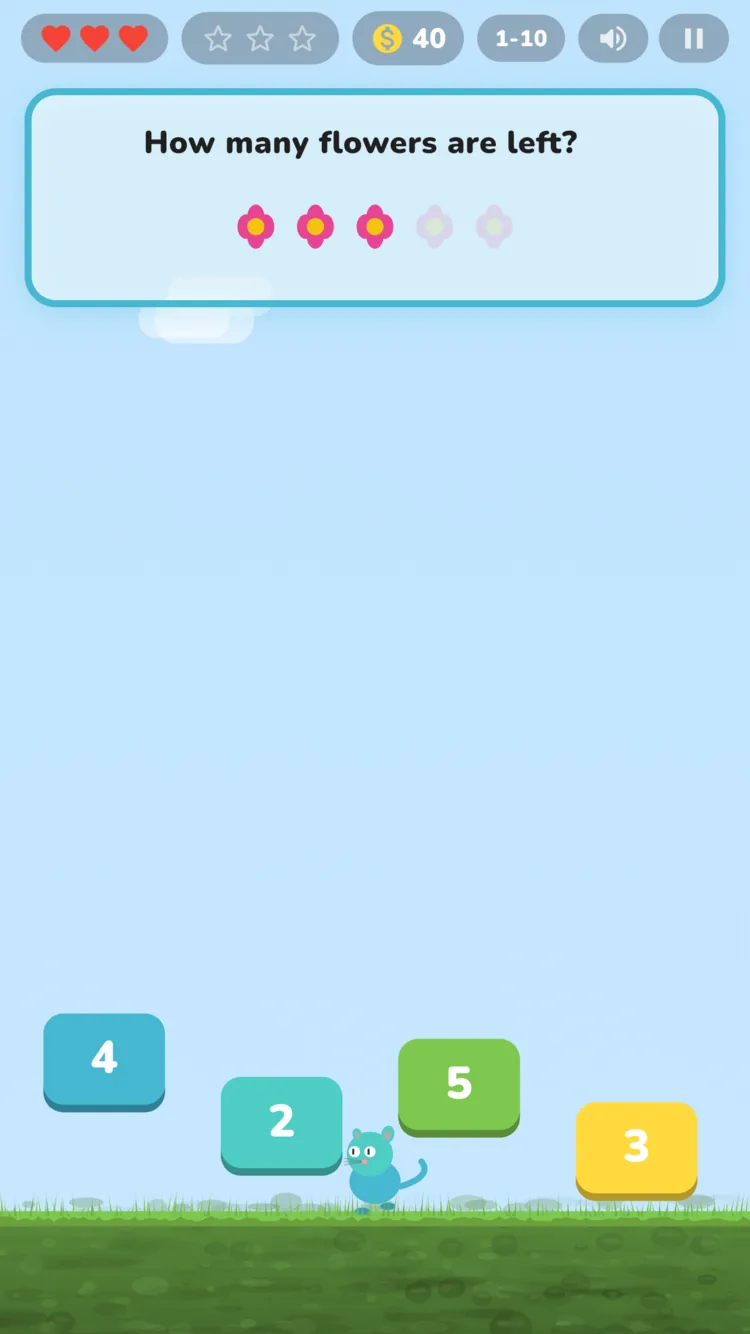
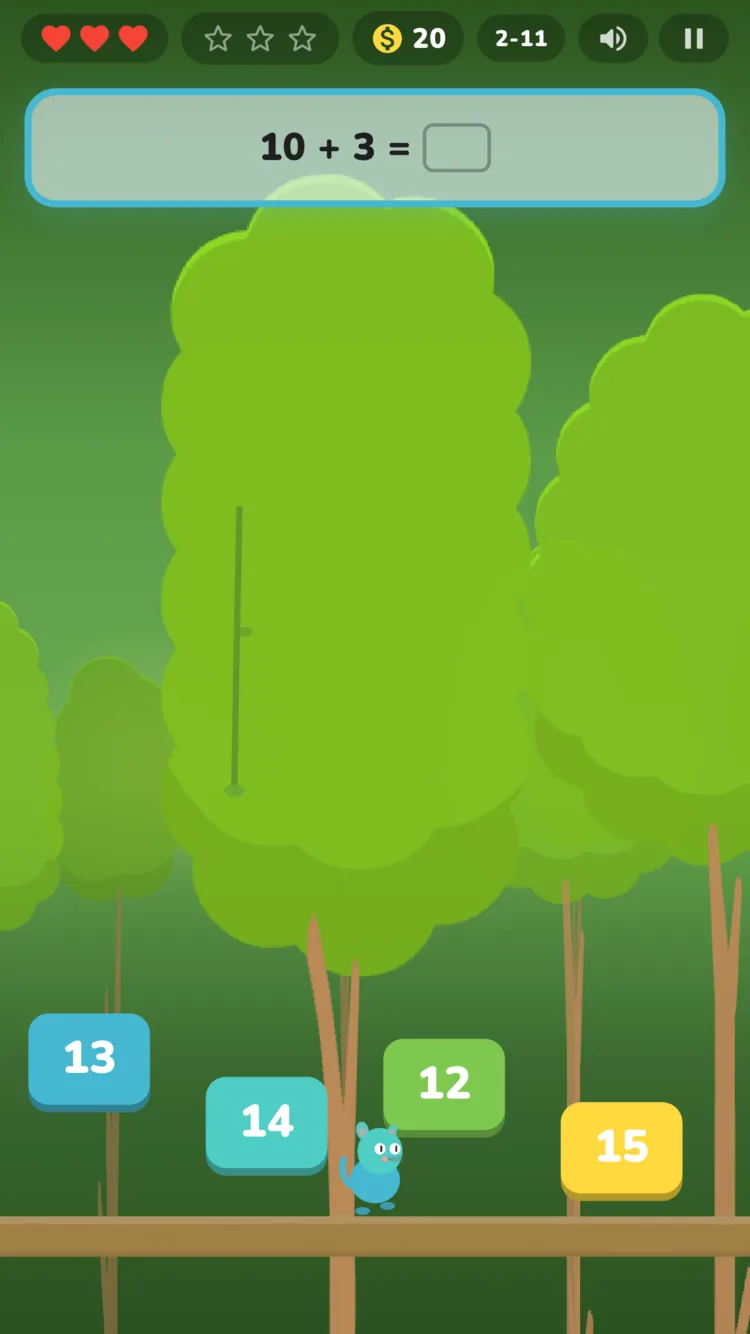
Straight from the game, untouched.
Each world covers its grade's Common Core ground, level by hand-tuned level. Finish a world and your child has practiced the year's core skills.
Grade 1 · 50 levels
Addition and subtraction within 20, place value, comparing numbers.
CCSS 1.OACCSS 1.NBT
Grade 2 · 54 levels
Telling time, counting money, shapes, halves, thirds, and fourths.
CCSS 2.MDCCSS 2.G
Grade 3 · 60 levels
Multiplication, times tables, division, and fractions.
CCSS 3.OACCSS 3.NF
The first 10 levels of every world are free. Every world also has Adventure Mode: endless, procedurally built practice that adapts to your child. Worlds for grades 4 to 6 are on the roadmap.
The details live in the privacy policy. Progress, accuracy, a display name, and game-usage stats are stored; precise location, photos, and ad identifiers are not.

Free on iPhone, iPad, and Android.
Grades 1 to 3, roughly ages 6 to 10. Each grade is its own world: Green Meadows for grade 1, Treehouse Canopy for grade 2, and Sky Islands for grade 3. Worlds for grades 4 to 6 are on the roadmap.
Addition and subtraction within 20, place value, and comparing numbers in grade 1. Telling time, counting money, shapes, and halves, thirds, and fourths in grade 2. Multiplication, times tables, division, and fractions in grade 3. Each world is aligned to the Common Core State Standards for its grade.
MathQuest is free to download, and the first 10 levels of every world are free. Unlocking a full world is a one-time purchase of $2.99 in the US (prices vary by country). There is no subscription, no coins or gems to buy, and no ads.
iPhone and iPad with iOS 15 or later, and Android phones and tablets with Android 7.0 or later.
Yes. Levels play without an internet connection, and progress is saved on the device. Buying or restoring a world, signing in, syncing progress between devices, and Friends need a connection.
There are no ads, no chat, and no advertising identifiers. A parental gate (a small math puzzle) guards purchases and the parent area. Friends are off by default and are added only by swapping a 6-character code. The app sends game-usage stats with no names attached, which we use to fix the game; the privacy policy lists every one.
No. Progress is saved on the device. A grown-up can create an optional account with an email and password to keep progress in sync across devices.
Eleven: English, Swedish, Simplified Chinese, Traditional Chinese, Spanish, Portuguese, German, French, Japanese, Korean, and Hindi. The app follows the device language, and you can change it in Settings.
The math is the gameplay. A gate in the level asks a question, and your child answers by jumping onto the right block, so practice happens inside a real platformer instead of a quiz between levels. Every world also has Adventure Mode: endless practice that adapts to your child.
More answers, including restoring purchases and deleting data, are on the support page.